How HomeGoSmart works
Start with one question. Build a smarter home over time.
Upload an inspection, scan equipment, check a quote or describe a repair. HomeGoSmart helps organize what you know, understand what needs doing and keep the outcome for next time.
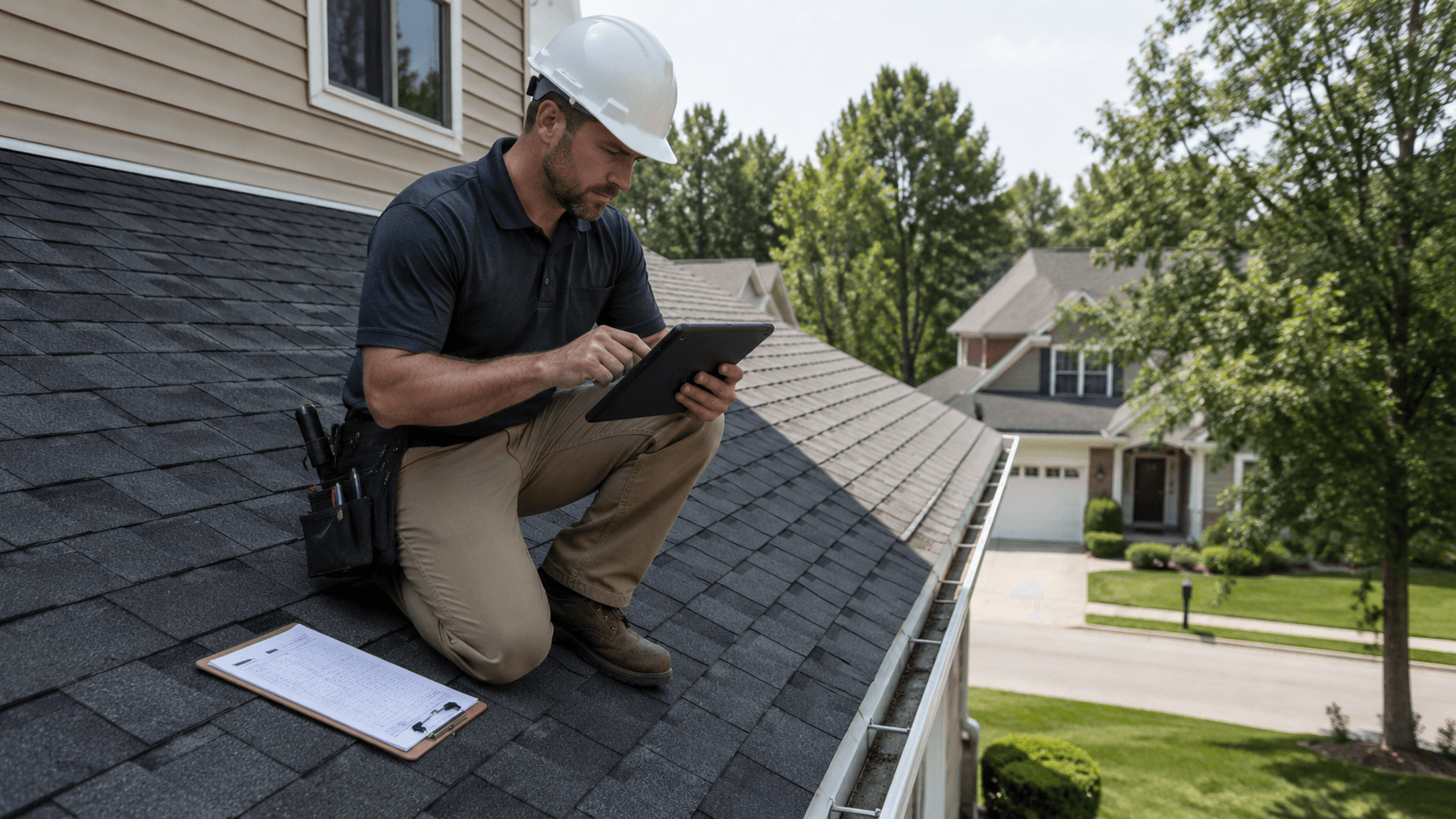
Start with what you already have.
Path A
I have an inspection report
- 1. Upload the report
- 2. Review identified systems and observations
- 3. Confirm important facts
- 4. See a 30/60/90-day home plan
Inspection upload is part of the app and not available yet.
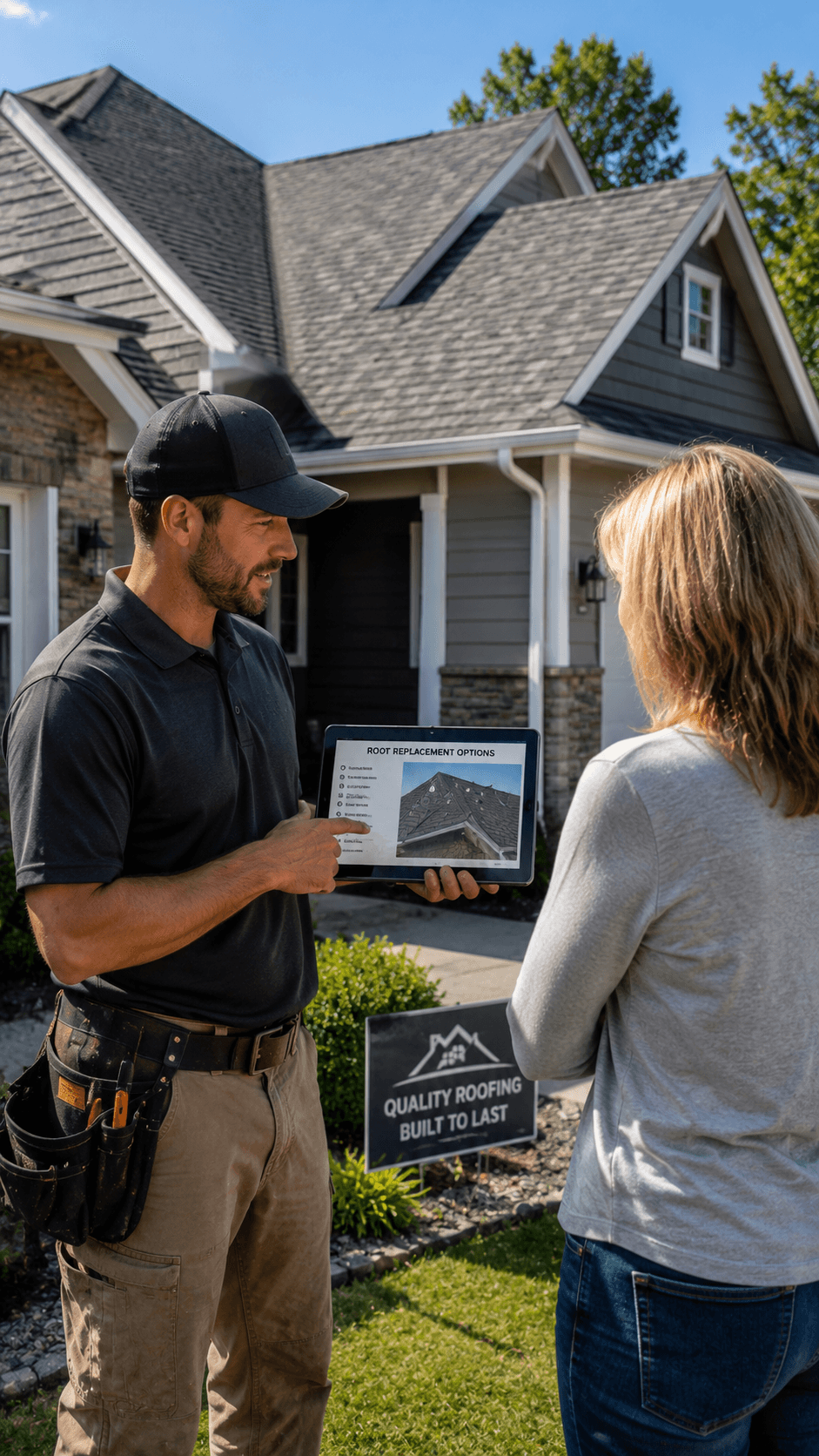
Path B
I have a quote or a repair question
- 1. Check a roofing quote or answer guided repair-versus-replace questions
- 2. See missing details and uncertainties
- 3. Save the result to your property when logged in
Quote check and repair-or-replace work today. Saving to a property needs the app.

Path C
I have an appliance or equipment label
- 1. Photograph the model label
- 2. Review the proposed model and details
- 3. Connect manuals, warranties and maintenance to the equipment
Label scanning is part of the app and not available yet.
You review the facts before they become your home's memory.
A receipt may show a service date. An inspection report may describe a problem. HomeGoSmart proposes structured details and links them to the document or image they came from. Important information should be reviewed before it becomes part of the permanent property record.
Source-backed
Each proposed fact points to the document, page or photo it came from.
Correctable
You confirm or fix extracted details before they're saved as facts.
Connected to the property
Facts attach to the right home, system and piece of equipment.
From problem to completed repair—and a record you can find later.
- Notice a problem
- Add photos and description
- Review safety guidance and next steps
- Upload / compare estimates
- Repair, replace or seek inspection
- Record vendor, invoice and warranty
- Update the home's history
The service provider you hire is your choice. HomeGoSmart organizes information; it does not automatically approve spending or certify a structure as safe.
Your contact details stay under your control.
Checking a quote or planning a project does not automatically authorize sharing your phone with contractors. If you choose to request an introduction in a supported pilot area, you approve the information and recipient before anything is released.
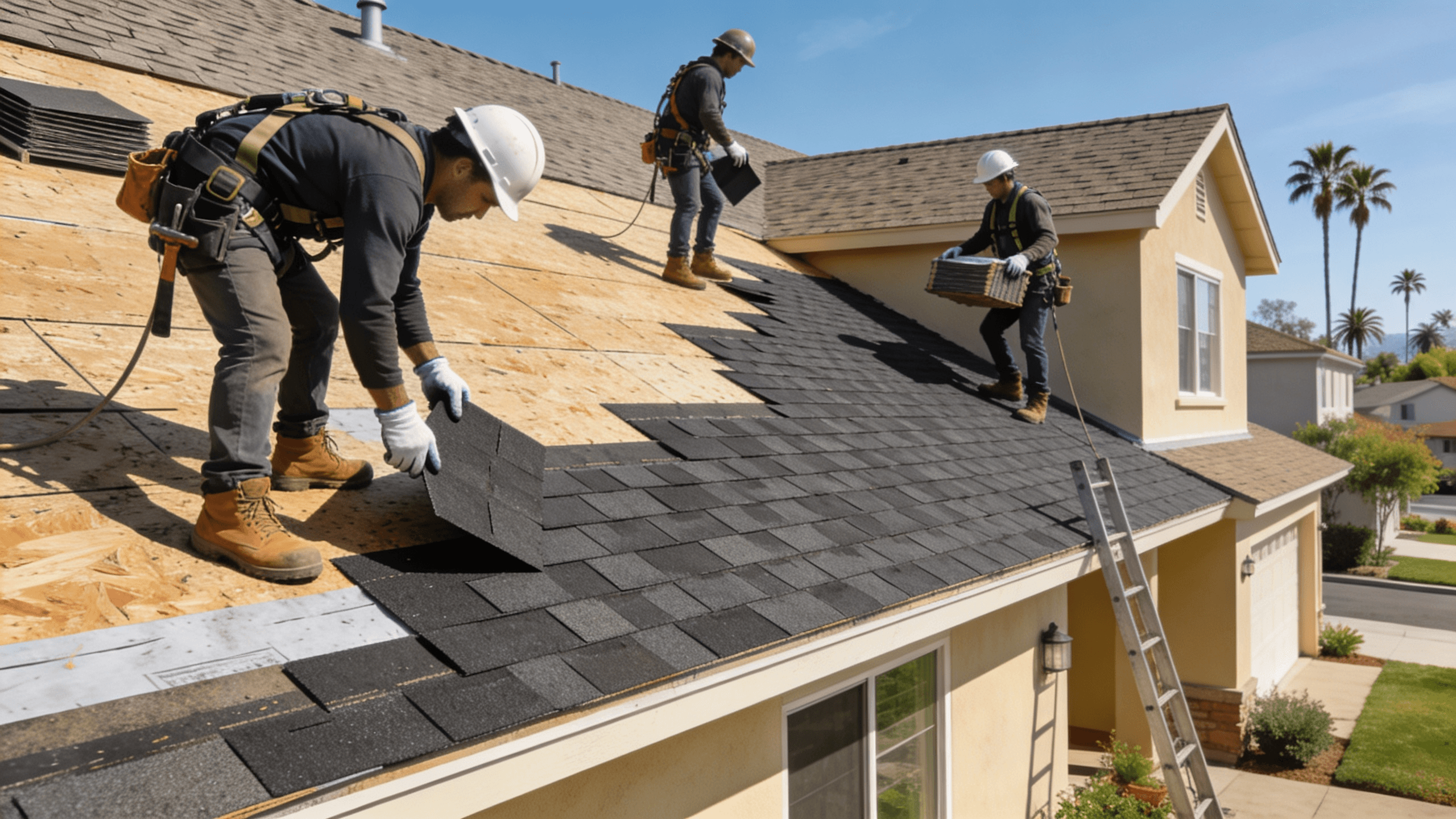
Are you a roofing professional in our California pilot?
See the contractor pilot and how homeowners approve introductions.